


Using Facebook for your business is a great way to establish brand
awareness and loyalty. But how can you keep your social followers
engaged and encourage them to take action with your brand?
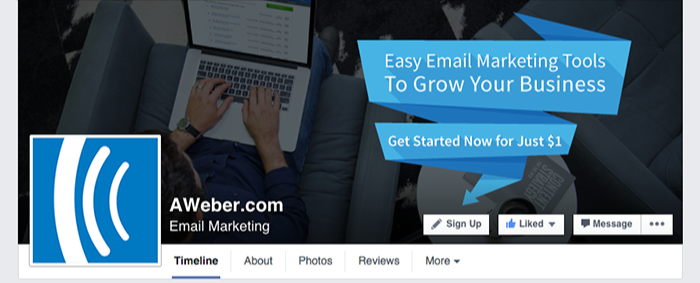
With Facebook’s new call-to-action
(CTA) feature, it’s easier than ever for your followers to do things
like sign up to your email list or start shopping with the click of a
button:
Why You Should Use It
You may have noticed a decline in the organic reach of your Facebook posts.
While it’s still important to continue posting valuable content, you
might want to consider other ways to connect with your audience.
Adding the new call-to-action button to your page is a great way to
highlight your objective, whether that’s getting your followers to make a
purchase or sign up to your email list. Including an action allows you
to not only connect with your audience, but also provides them with an
opportunity to become a new or loyal customer.
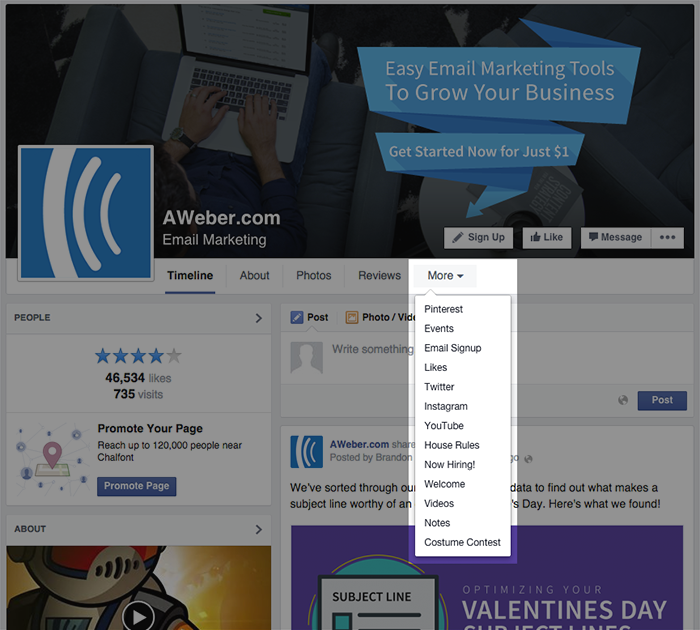
Previously, integrating a separate app with your Facebook page was the only way to encourage followers to take a specific action such as purchasing an item. The problem? Those apps are difficult to find when viewing from a desktop, and they don’t even display on mobile. (According to The Verge, about 30 percent of Facebook users only log in using their mobile devices.)
In the example below, the email sign up app is hidden among other features under the “More” tab.
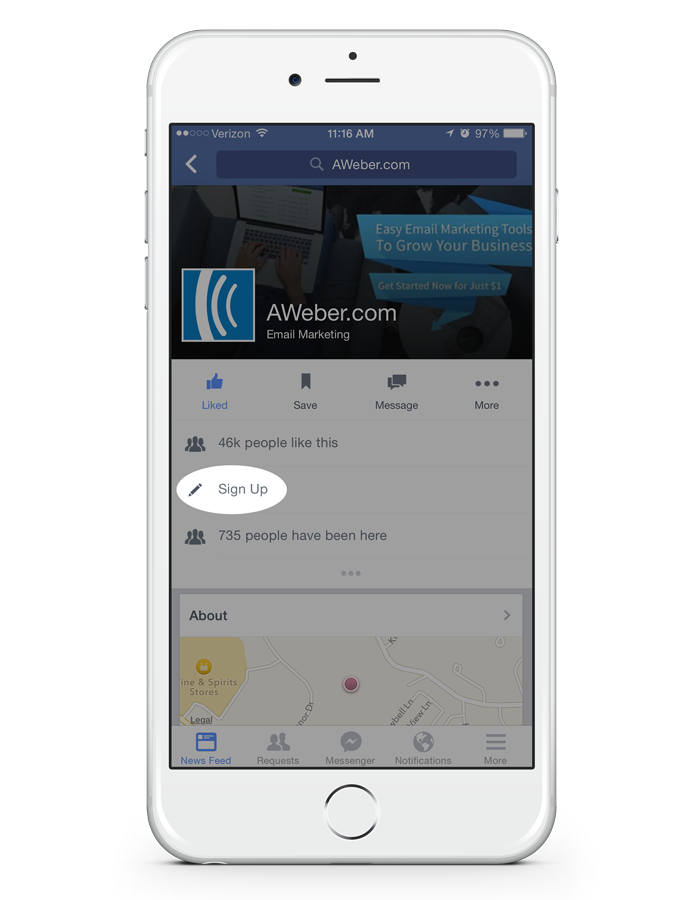
Facebook’s new call-to-action button, on the other hand, displays on
both desktop and mobile, making it easy for anyone to take action.
Where to Redirect Your Audience
Ready to start using the new CTA button? Facebook allows you to select from the following buttons:

- Email Sign Up: Grow your subscriber list by encouraging your social followers to subscribe to your emails. You can link to a web hosted version of your email sign up form.
- Shop Now: Looking to increase sales? Direct your followers to your online website or a featured product page. Don’t forget to integrate your shopping cart with your email service provider to continue collecting more subscribers!
- Contact Us: Provide your audience with a way to ask you questions about your company or products.
- Watch Video: Promote a company video or commercial right at the top of your Facebook business page.
- Book Now: Have an upcoming event? Give your followers easy access to purchase tickets or reserve a spot.
- Play Game: Create a fun experience for your social followers by sending them to a branded game you created.
- Use App: Encourage your followers to use your Facebook app or mobile app.
How to Set It Up
Once you’ve determined how you want to use your call-to-action
button, setting it up is easy! Simply select the button you want and
enter the website URL where you would like to redirect your followers.
If you need more help, here are some step-by-step instructions.
Bonus Tip: Get Your Call-To-Action Button Noticed
Let your creativity shine and consider ways to use your cover photo
to draw attention to your call-to-action button. Try featuring an
incentive your followers can get if they take action, or draw their
attention with an arrow pointing towards the button.
You can use free image creation tools like PicMonkey or Canva to
create a cover photo with text.
Facebook allows you to track the number
of times your button was clicked each day, so try out different cover
photos to see which one performs best.
Read more here: http://blog.aweber.com/social-media-2/how-to-engage-social-followers-using-facebooks-new-call-to-action-button.htm

No comments:
Post a Comment